When a computer slows to a crawl or starts acting up, it’s tempting to just buy a new one. Sometimes that’s right – but often a repair costing much less gets years more out of it.
Usually worth fixing
- It’s slow, but otherwise works. Many computers from the last 5–8 years still have a spinning hard drive. Swapping it for an SSD (solid-state drive) often makes startup and programs several times faster.
- Viruses, pop-ups or a hijacked browser. Cleanup costs far less than a new computer.
- Windows is broken – failed updates or crashes – but the hardware is fine. A reinstall that keeps your files fixes most of these.
- It’s a good computer you like – a business-grade desktop or a higher-end laptop.
Usually time to replace
- It can’t run a currently supported version of Windows – unsupported systems stop getting security updates
- The repair would cost close to half the price of a comparable new computer
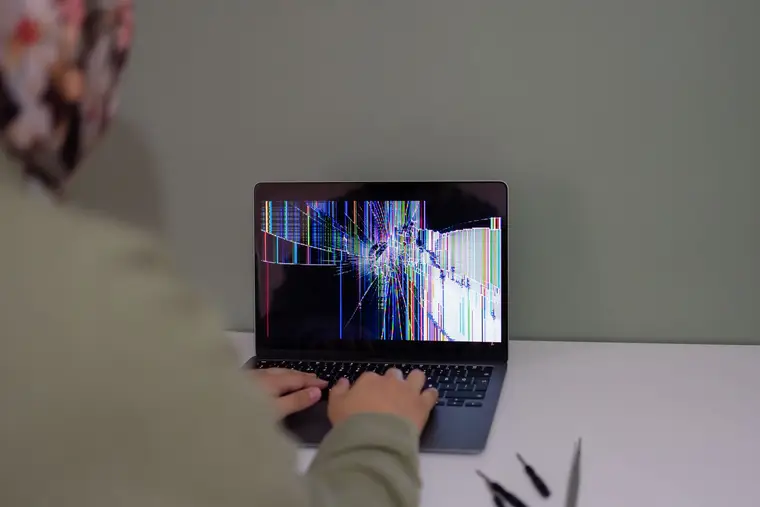
- A laptop with a cracked screen, broken hinge and a worn-out battery – several repairs add up fast
- It’s 10+ years old and slow even after an SSD and cleanup
A quick rule of thumb
If the computer is under about 7 years old and the fix is under a third of the price of a new one, repair it. Either way, back up your files first – photos and documents are the part you can’t buy again.
Not sure? A $49 diagnostic tells you what’s wrong and what it would cost – and it’s credited toward the repair if you go ahead. See computer repair.