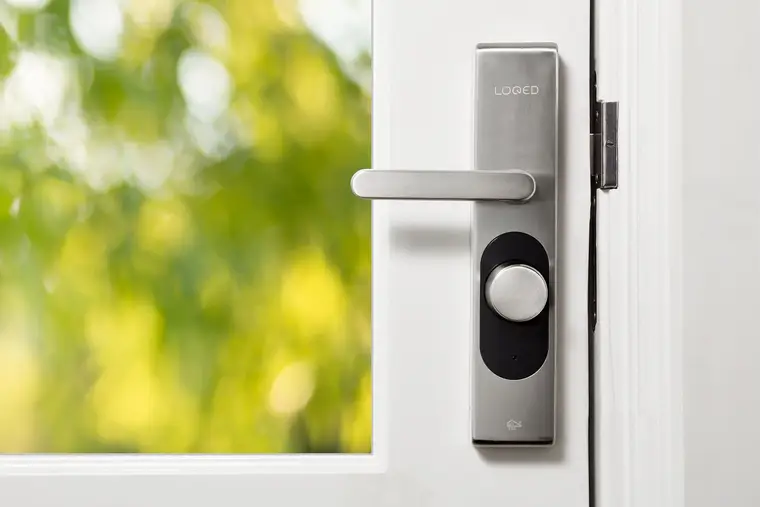
A smart lock means no more hiding a key under the mat: you can let in family, a dog walker or a contractor with a code, and check from your phone that the door is locked. A few details make the difference between handy and frustrating.
Choose how you’ll unlock it
- Keypad: the most practical for families and guests – no phone needed, and codes can be temporary
- Phone / auto-unlock: convenient, but depends on your phone and its battery
- Fingerprint: fast for regular users; still worth having a keypad or key as backup
- A physical key backup: a good idea in case the batteries die
How it connects matters
Bluetooth-only locks work up close but not from away. Wi-Fi locks work remotely but use batteries faster. Locks on Thread, Z-Wave or Zigbee use a hub or smart speaker as a bridge, which gives remote control with good battery life.
Check the door first
- Measure: most smart deadbolts fit standard doors, but thick doors or unusual hardware may need a specific model
- If the existing deadbolt is hard to turn, the door is out of alignment – a motorized lock will struggle and drain batteries. This usually needs a simple strike-plate or hinge adjustment first
- Turn on auto-lock and low-battery alerts, and add codes for everyone who needs one
Our smart lock install is $79 – including adjusting the door so the lock works smoothly, setting up codes and connecting it to your app. Request a quote.